Tabster Help Center
Nudge or tag friends in comments
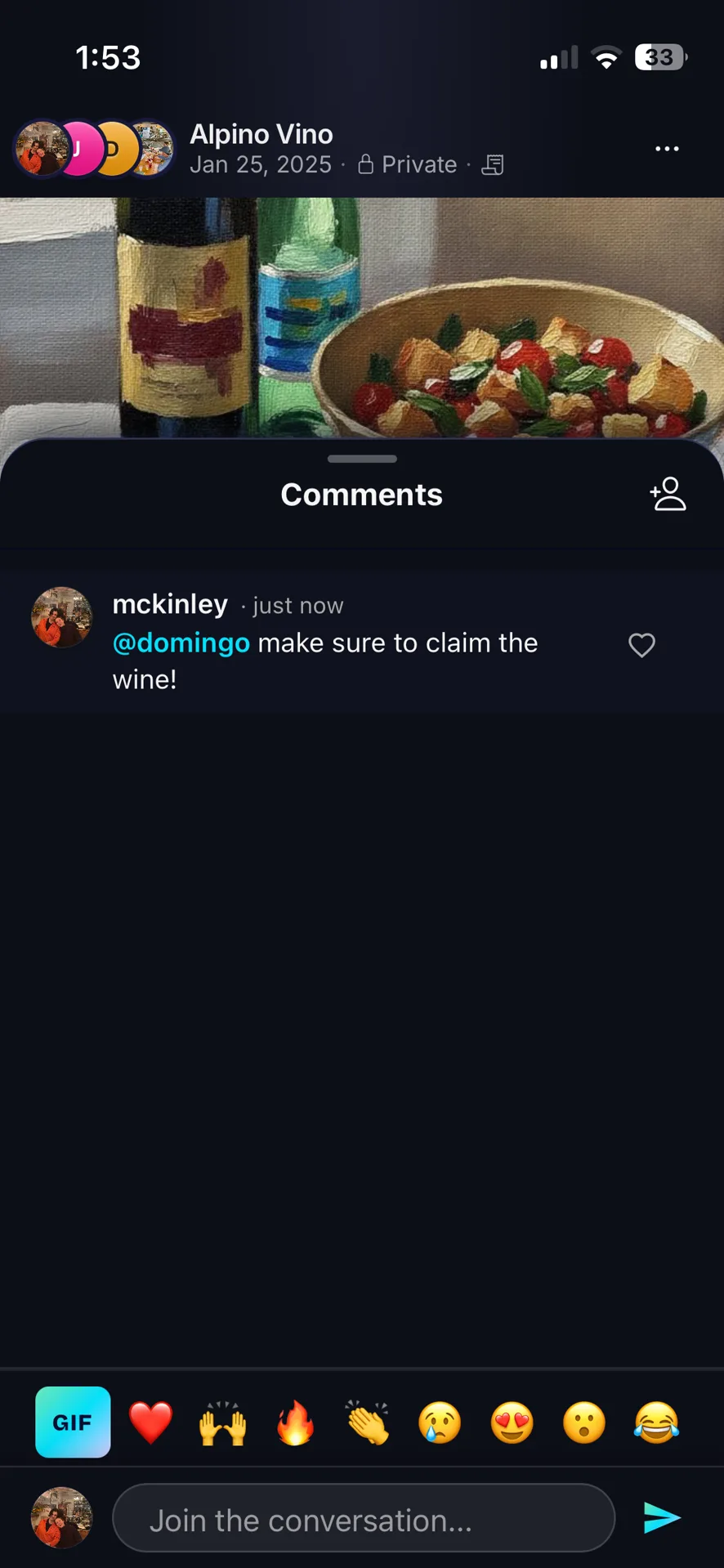
You can tag friends with an @ in the comments of a trip or tab card from your homepage. This will give them a notification that they've been tagged in a comment. One example of a tag might be @John we're waiting on your last receipt for dinner yesterday.
You can also use the three dot menu in receipt and trip pages to nudge friends. This will give them a notification that you've nudged them so they will check any outstanding actions.
The difference between the two is how specific you need to be. A nudge is a quiet prompt to go and look at what is outstanding; a comment says the thing out loud and stays on the receipt where everyone can see it.
Both beat a message in the group chat, which everybody reads and assumes is aimed at someone else. A tag lands as a notification on one person.
Comments stay attached to the receipt rather than scrolling away, so the question and the bill it refers to remain together.
Need more help?
We're here for you. Email us at support@tabster.ai and we'll get back to you as soon as possible.


