Tabster Help Center
Set recurring group expenses
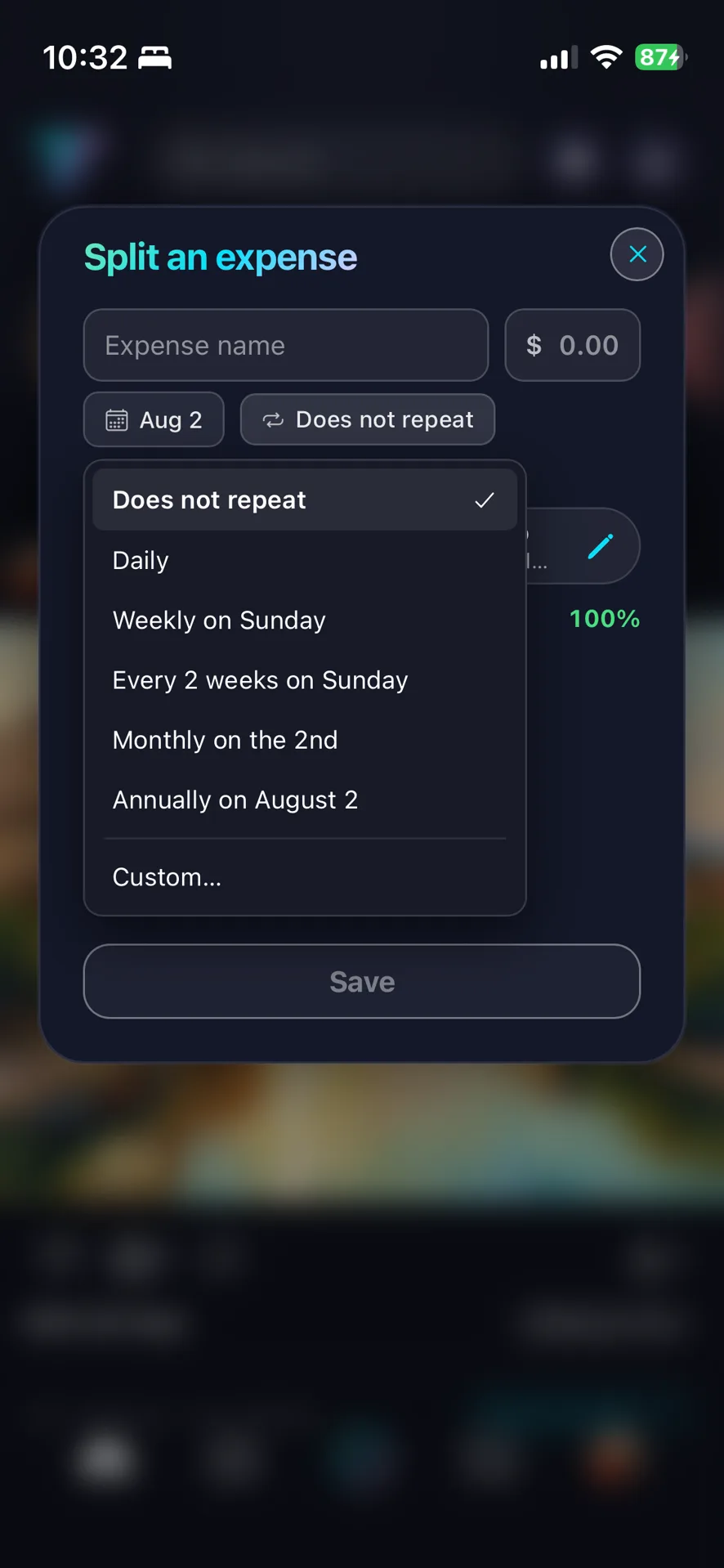
When you add a group expense you can set it to repeat: monthly rent, a weekly cleaner, whatever the cadence.
Tabster creates a fresh expense each time it comes due, split the same way, so you set it up once and stop thinking about it. Editing the series changes future ones and leaves past ones as they were.
That last part matters more than it sounds. When rent goes up, you change the series from that point on and the previous months stay as they were actually paid. So the history remains a record rather than being rewritten.
Each occurrence appears as its own card when it falls due, so a month everyone paid is visibly distinct from a month still outstanding.
Between recurring expenses and emailed-in bills, most of a household’s fixed monthly costs end up splitting themselves with nobody doing anything each month. They all land on one balance per roommate.
Need more help?
We're here for you. Email us at support@tabster.ai and we'll get back to you as soon as possible.


