Tabster Help Center
Mark paid on expenses, dinners and trips
When someone pays you back outside Tabster in cash, by bank transfer or any other way, mark it paid so the running tab matches reality.
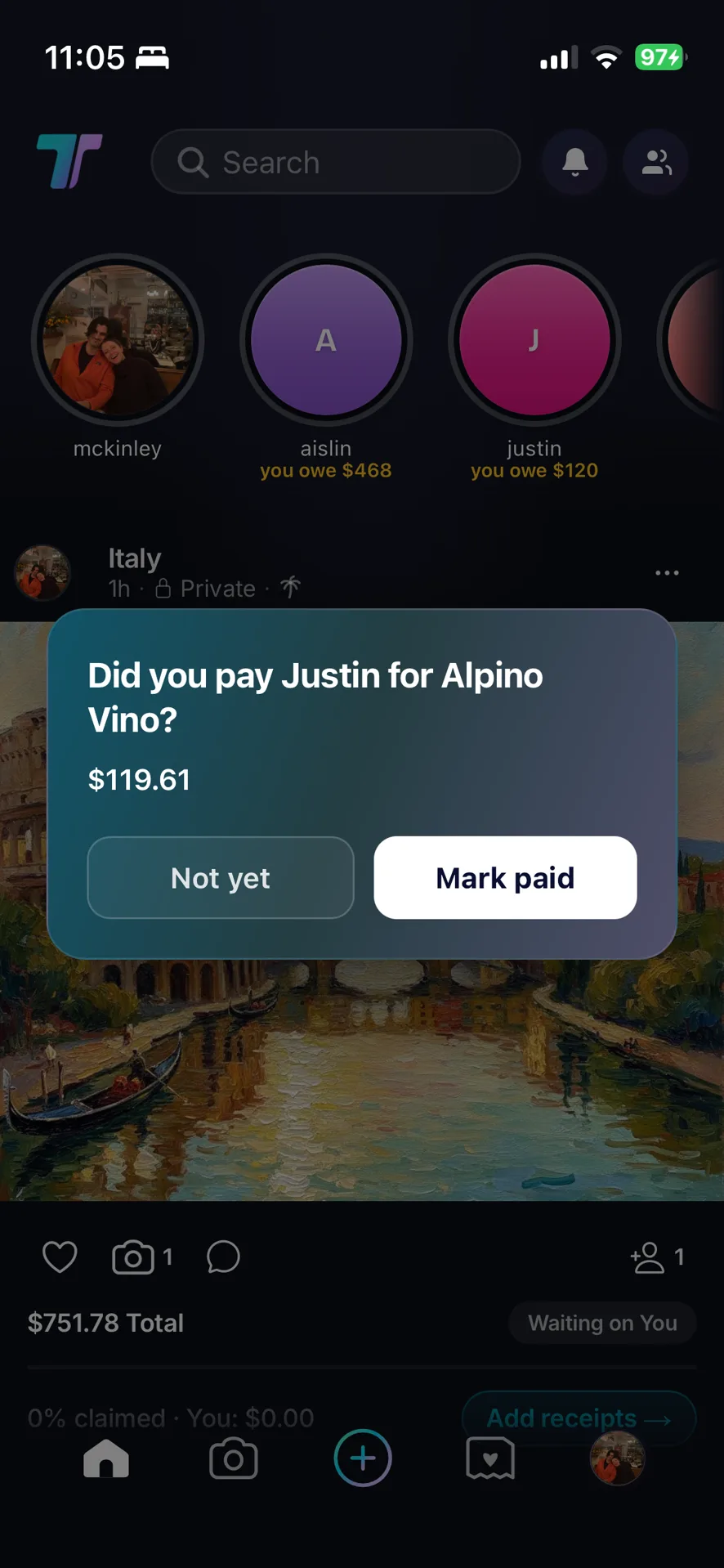
After you pay through Tabster you will be asked whether it went through. Marking it paid updates the tab for both of you.
Tabster does not move money, so it cannot see a bank transfer or a note handed over at the table. Marking paid is how it learns that something settled elsewhere.
It updates for both people rather than just the person who marked it, so there is one version of what has been paid instead of two accounts that disagree.
This is the habit worth keeping. A tab that quietly drifts from reality is one nobody trusts, and an untrusted balance gets abandoned in favor of guessing.
Need more help?
We're here for you. Email us at support@tabster.ai and we'll get back to you as soon as possible.


